


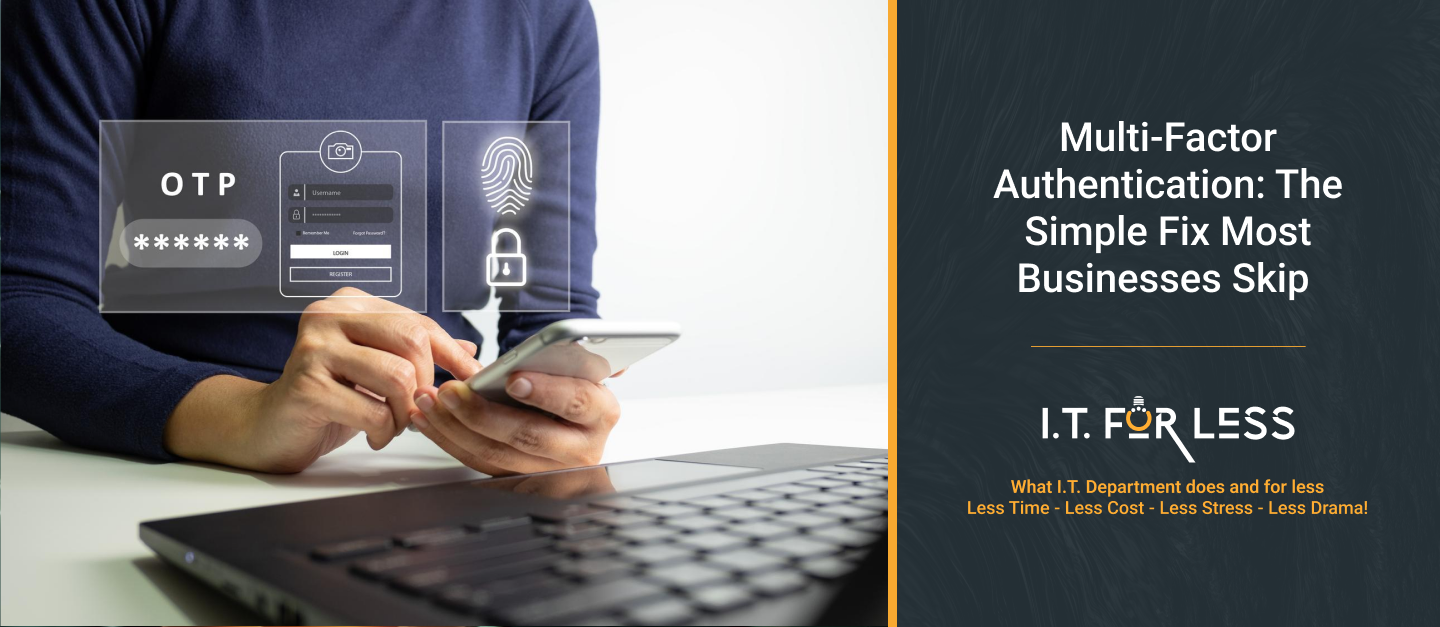
A stolen password can give a cybercriminal access to email, cloud applications, customer information, and other business systems. One of the simplest ways businesses can reduce this risk is by using Multi-Factor Authentication (MFA).
MFA adds an extra verification step when someone signs in. Instead of relying only on a password, users may also need to confirm their identity through an authentication app, security key, passkey, or another approved method.
Why Passwords Alone Are Not Enough
Passwords can be stolen through phishing, malware, data breaches, or reused across multiple accounts. Even strong passwords can eventually be compromised.
With MFA enabled, a stolen password alone is generally not enough to access an account. The attacker would also need the additional authentication factor.
Where Should Businesses Use MFA?
Businesses should prioritize MFA for accounts that provide access to sensitive information or critical systems, including:
- Business email accounts
- Microsoft 365 and Google Workspace
- Cloud applications
- Remote access and VPNs
- Banking and financial systems
- Administrator accounts
- Customer and employee management platforms
MFA Can Help Stop Common Attacks
MFA can provide an important layer of protection against phishing, stolen credentials, and unauthorized logins. However, not all MFA methods provide the same level of protection. Where possible, businesses should consider stronger, phishing-resistant options such as passkeys or security keys.
Employees should also be trained never to approve unexpected login requests. Attackers can sometimes use repeated MFA prompts to pressure users into approving a fraudulent login.
How Businesses Can Get Started
Implementing MFA does not need to be complicated. Businesses can start by:
- Enabling MFA on administrator and high-risk accounts
- Expanding MFA to all business users.
- Choosing secure authentication methods.
- Training employees on unexpected authentication requests.
- Reviewing authentication and login activity regularly.
MFA should be part of a broader security strategy that also includes strong passwords, employee training, software updates, backups, and access controls.
Protect Your Business with I.T. For Less
MFA is a simple security measure, but it can make a significant difference in protecting business accounts from unauthorized access. I.T. For Less is a managed IT service provider that helps businesses improve security, manage technology, and reduce IT risks through proactive IT support and monitoring.
From MFA implementation and account security to ongoing IT management, I.T. For Less helps businesses build a stronger and more reliable technology environment.