

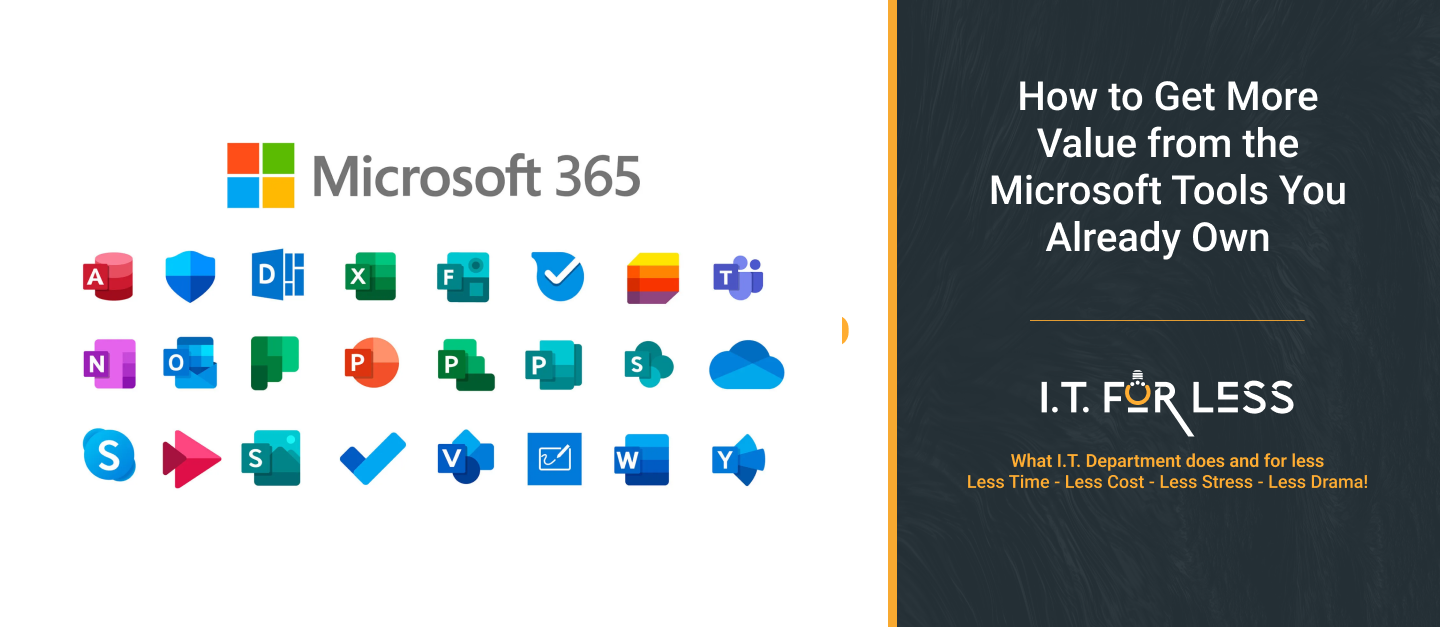
Many businesses already use Microsoft tools every day, but they may not be using everything included with their Microsoft environment.
Microsoft 365 can provide businesses with much more than email and Microsoft Office applications. Tools such as Teams, SharePoint, OneDrive, Outlook, Microsoft Forms, and Microsoft Planner can help employees collaborate, organize information, automate routine work, and improve productivity.
Before buying another software platform, it is worth taking a closer look at what your business already has.
1. Review What You Are Already Paying For
Start by reviewing your current Microsoft licenses and the tools available to your employees.
Businesses sometimes purchase additional applications because employees do not know that a similar capability is already available through Microsoft 365.
Look for opportunities to consolidate tools used for:
- File sharing and storage
- Team communication
- Project management
- Online meetings
- Forms and surveys
- Document collaboration
- Task management
- Basic workflow automation
The goal is not to eliminate every third-party application. It is to identify unnecessary overlap and make sure you are getting value from the tools you already pay for.
2. Use Microsoft Teams for More Than Meetings
Teams is often treated primarily as a video meeting application, but it can also serve as a central workspace for employees.
Businesses can use Teams for:
- Internal communication
- Team collaboration
- File sharing
- Meetings
- Project discussions
- Department-specific workspaces
Organizing Teams properly can reduce the need for employees to search through long email threads or use separate messaging tools for every conversation.
3. Get More from OneDrive and SharePoint
Many businesses use OneDrive for basic file storage without taking advantage of its broader capabilities.
OneDrive can help employees access their work files across devices, while SharePoint can provide structured locations for team and business documents.
Instead of keeping important files scattered across personal computers, email attachments, and different cloud platforms, businesses can create organized locations for shared documents.
This can also make it easier for employees to collaborate on documents without creating multiple versions of the same file.
4. Reduce Email with Better Collaboration
Email is useful, but it is not always the best place for internal collaboration.
Employees may spend significant amounts of time sending files back and forth, asking for updates, or searching through old email conversations.
Using Teams, SharePoint, OneDrive, and shared calendars appropriately can move some of that communication into more organized spaces.
This can make information easier to find and reduce unnecessary email.
5. Automate Repetitive Tasks
Microsoft tools can also help businesses automate simple, repetitive processes.
For example, Microsoft Forms can collect information, while Power Automate can be used to create workflows around certain business processes.
Businesses may be able to automate tasks such as:
- Sending notifications
- Routing form submissions
- Request approvals
- Creating task reminders
- Updating information between systems
- Alerting employees when an action is required
Even small automations can save employees time when the same process happens repeatedly.
6. Improve Document Collaboration
Employees do not always need to download a document, edit it, email it back, and create another version.
Microsoft applications support real-time collaboration on many documents, allowing multiple employees to work on the same file.
This can reduce version-control problems and make it easier for teams to see the most current information.
Establishing clear file naming, folder structures, and permissions can make these tools even more effective.
7. Make Security Part of Your Microsoft Strategy
Getting more value from Microsoft tools is not only about productivity.
Your Microsoft environment also needs to be properly secured.
Businesses should review areas such as:
- Multi-factor authentication
- User permissions
- Administrator accounts
- Device access
- Sharing permissions
- Former employee accounts
- Security policies
- Data protection
A tool is only valuable if employees can use it securely.
8. Train Employees on the Tools They Already Have
One of the biggest barriers to getting more value from Microsoft 365 is simply a lack of awareness.
Employees may know how to use Outlook and Word but have little understanding of what Teams, SharePoint, OneDrive, Forms, or other Microsoft tools can do.
Short, role-specific training can help employees discover better ways to complete everyday tasks.
Training should focus on practical situations rather than trying to teach employees every feature available.
9. Review Third-Party Software
Once you understand your Microsoft environment better, review the other software your business is paying for.
Ask:
- Do we still need this application?
- Are employees actually using it?
- Does Microsoft already provide a similar capability?
- Are we paying for duplicate functionality?
- Would consolidating tools make management easier?
Some third-party applications will still provide important capabilities that Microsoft does not. The goal is not to replace everything. It is to eliminate unnecessary overlap where it makes business sense.
10. Review Your Microsoft Environment Regularly
Your business needs change, and Microsoft continues to introduce new capabilities.
A tool that was not useful for your business last year may now solve a problem you are dealing with today.
Review your Microsoft environment periodically to identify unused licenses, new features, security gaps, opportunities for automation, and tools that could replace unnecessary software expenses.
This can help turn Microsoft 365 from a collection of applications into a more effective technology platform for your business.
Get More Value Before Buying More Technology
Businesses do not always need another software subscription to solve a technology problem.
Sometimes, the solution is already available within the tools they own but is not being used effectively.
By reviewing existing Microsoft capabilities, improving employee training, automating repetitive work, strengthening security, and reducing unnecessary software overlap, businesses can potentially improve productivity while controlling technology costs.
Need Help Getting More from Your Microsoft Environment?
I.T. For Less can help businesses review their Microsoft environment, improve security and management, identify opportunities to consolidate software, and make better use of the technology they already have.
From Microsoft 365 management and cybersecurity to proactive IT support, device management, monitoring, and backup, we can help you build a technology environment that works better for your business.
Before adding another technology expense, let I.T. For Less help you determine whether you already have the right tools in place.