

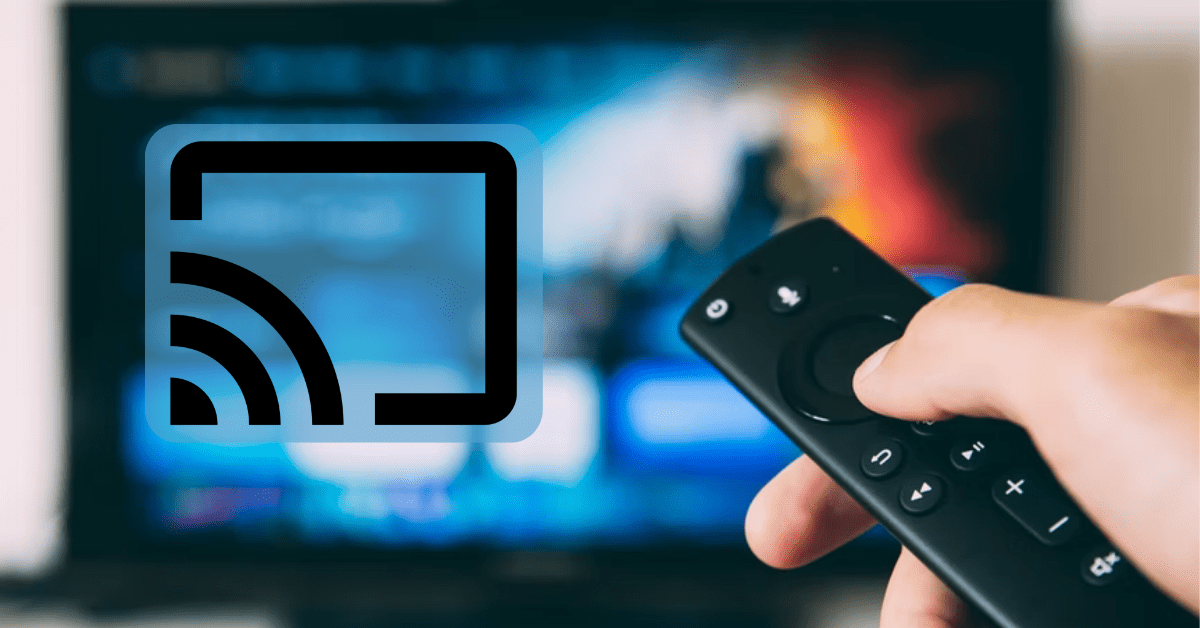
Google’s new Chromecast device allows users to “cast” videos, photos, and other media from supported apps straight to their flat-screen TVs, using their Android or iOS device as a remote control.
It seems unusual for this device not to have a remote, a bevy of preloaded apps, or even an obvious menu system included. Instead, it acts as a conduit for the apps and content you might find on your desktop or mobile device. That said, knowing which apps are supported by Chromecast, and most importantly, which ones are worth your time, can be pretty tough.
To help you save time and to make your life a little easier, we’re going to share with you our favorite apps that support Google Chromecast. Check them out and cast straight to your TV after installing them.
Netflix

Netflix is an Internet media subscription giant that needs little introduction. It allows subscribers to access thousands of TV shows and movies on their desktop or mobile device. They’ve also developed some success with original programming like The House of Cards.
Now, Netflix also supports Chromecast, so subscribers can cast their favorite TV shows and movies straight to the big screen instead of settling for a cramped smartphone or desktop screen, while still allowing you to use your smartphone for playback controls.
Netflix is available for Android and iOS.
Videostream for Google Chromecast

While there are many apps that let you stream videos and music online or from a local media server, this app is a simple Chrome browser extension that lets you stream local media to your Chromecast. It supports a wide range of formats, such as FLV and MKV, as well as subtitle files. What’s more, it’s very easy to use.
The free version is ad-supported, with premium subscriptions starting at $1.49 a month. The premium version lets you remove ads, supports playlists, includes an Android remote control app, and offers first access to beta features.
Google Cast

Google Cast is a Chrome browser extension that lets you cast videos from Chromecast-compatible websites to your TV over your local Wi-Fi network. Instead of viewing the latest YouTube viral videos or Netflix movie on your desktop, you can take full advantage of the biggest screen in your home with the help of this app and, of course, your Chromecast. Additionally, there’s a provision for casting your current browser tab to Chromecast so you can view interesting websites, photos, and other online content.
HBO GO

The official HBO GO app lets users stream their favorite HBO content directly to their smartphone or tablet. With it, you can enjoy the latest and greatest in movies, as well as access to HBO’s collection of original series, including Game of Thrones, Boardwalk Empire, and True Blood, as well as bonus features and extras. It also supports Chromecast, which further expands your viewing options from your mobile device up to a big-screen viewing experience.
While downloading the Android or iOS app is free, you do need to have a participating cable subscriber to access content.
Google Play Movies & TV

This app lets you purchase or rent TV shows and movies to view on your smartphone or tablet, with videos available for on-demand streaming or for download so you can view them whenever you want, even when you’re offline. Of course, why put up with a small-screen mobile device when you can instead cast it straight to the wide-screen TV using your Chromecast?
Google Play Movies & TV is available for Android and iOS.